People & guardians
Player profiles, verified guardian links, consent and scoped access.
How it worksThe product
Connect the daily work of running an academy — from the first application to the next lesson, payment or milestone.
01 / Starter and above
Keep your people, their relationships and their responsibilities clear.
Player profiles, verified guardian links, consent and scoped access.
How it worksSquads or classes, instructor assignments and versioned staff contracts.
How it worksMap columns, review your data and bring existing player records across.
How it worksSwitch academies and work with the permissions granted in each one.
How it works02 / Core tools on Starter · absences and matches on Pro
Connect the plan, the people who turn up and the follow-up they need.
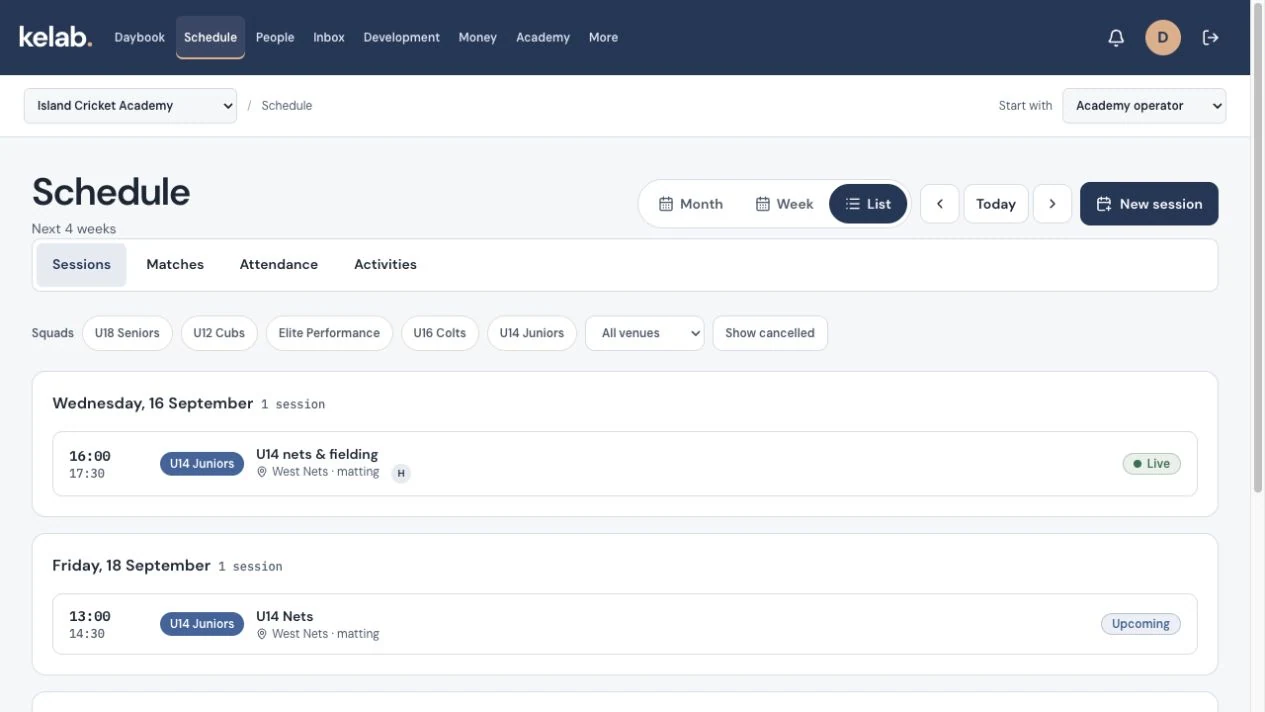
Plan recurring sessions with groups, coaches and venues.
How it worksCapture marks, submit the sheet and keep sign-off and amendments traceable.
How it worksReview requests and reflect approved absences in attendance.
How it worksTarget updates by group, role or person and check in-app delivery and reads.
How it worksPrepare lineups, substitutions and results for academy fixtures.
How it works03 / Pro and above
Bring enrolment, learning and specialist activity workflows into the same record.
Manage capacity, eligibility, placement and time-limited offers.
How it worksPublish a scoped offer and connect intake, payment conditions and placement.
How it worksUse eligible credits and capacity-aware booking policies.
How it worksAssign programmes, record assessments and publish learning reports.
How it worksKeep authorised people and arrival or release evidence connected.
How it worksUse specialist tools for swim entries/results and dance show composition.
How it works04 / Finance and shop on Pro · payroll, expenses and payouts on Club
Follow academy fees and operational spending, with a record behind each decision.
Configure fee rules, preview invoice runs and follow outstanding balances.
How it worksTrack offline payments, review bank slips and use online checkout where enabled.
How it worksPrepare pay from contracts, reviewed attendance and explicit adjustments.
How it worksReview receipt-backed claims and record outgoing settlement.
How it worksManage variants, orders, stock and fulfilment.
How it worksReview academy reports and eligible multi-academy comparisons.
How it worksSome workflows need academy configuration or an enabled payment, messaging or ticketing provider. Native apps, offline operation and certified statutory payroll filing are outside the current launch offer.
Check availabilityLet’s find your fit
Walk through your people, classes and fee workflow with us.
We’re welcoming enquiries for a small, invitation-only pilot.